How to Make a Passport Photo at Home (Free, No Studio)
Passport Photo Maker — free & instant
Crop your photo to the exact passport or visa size in your browser — free, private, no uploads.
A passport photo should be the easiest part of any application, yet a quick trip to a shop or pharmacy costs real money for two small prints, and half the time one comes back rejected anyway. The good news: as long as you follow a few rules, you can take and size a perfectly valid passport or visa photo at home for free, using nothing but your phone and a plain wall. This guide walks through exactly how.
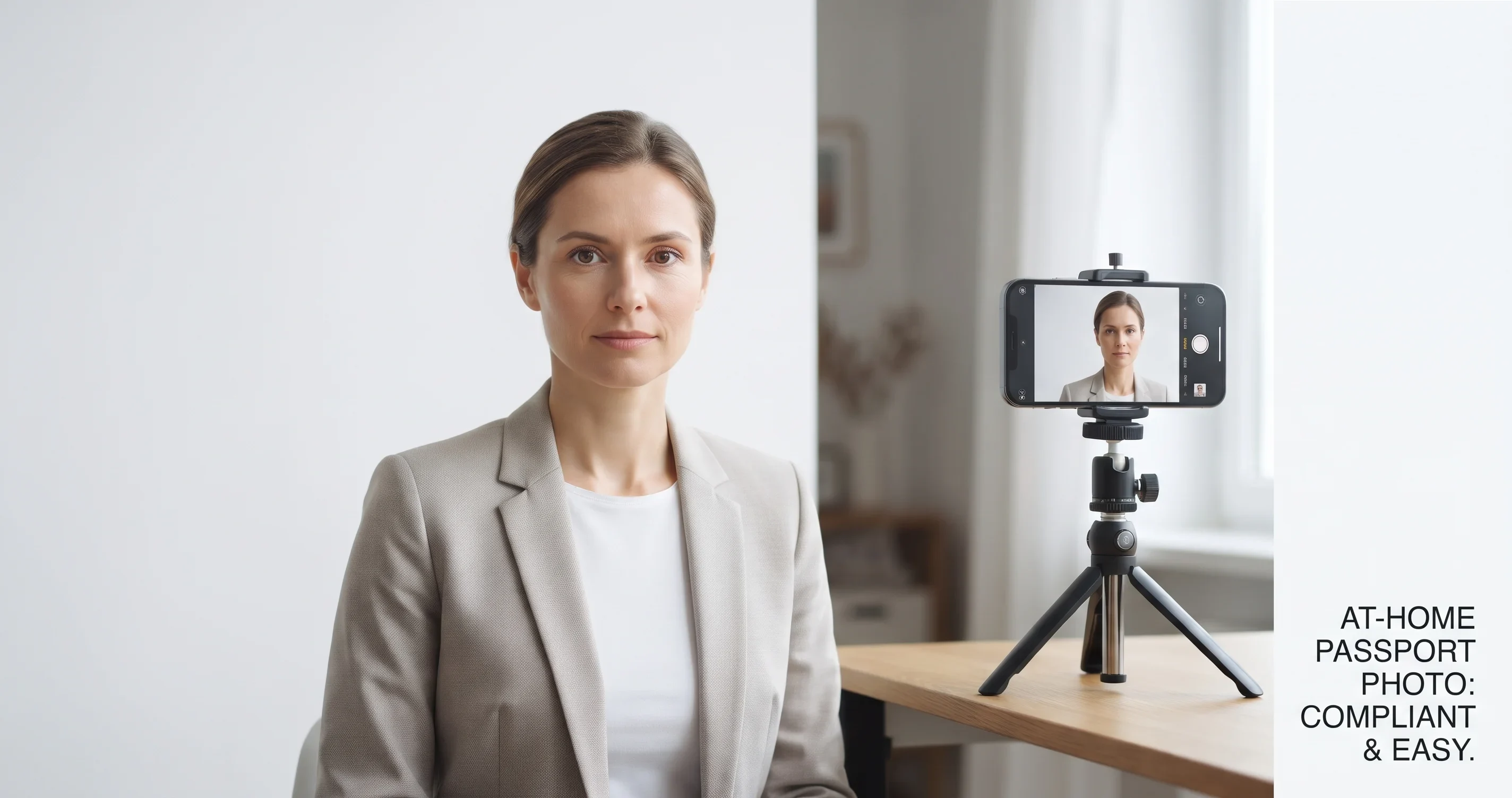 A valid passport photo needs a plain background, even light and the right size.
You can crop and size the finished photo with our passport photo maker right in your browser, so the picture of your face is never uploaded anywhere.
What makes a passport photo valid
Most countries agree on the basics, even when the exact size differs:
- A plain, light background, usually white or off-white, with no shadows behind you.
- Your full face, centred and facing the camera, with a neutral expression and both eyes open.
- Even lighting, so there are no harsh shadows across your face or behind your head.
- A recent photo, taken within the last six months, so it still looks like you.
- The correct size and head proportions for the country you are applying to.
Get those right and the rest is just cropping.
Common passport photo sizes
Size is where countries differ, so always check the official requirement for yours. The most common are:
- United States: 2 x 2 inches (51 x 51 mm), with the head roughly 1 to 1 3/8 inches tall.
- United Kingdom, the Schengen and EU countries, Australia and many others: 35 x 45 mm.
- Canada: 50 x 70 mm.
If you are unsure, your government's passport or visa website lists the exact size and head height. Our tool lets you crop to these common sizes directly.
Step 1: Take the photo
You do not need a camera, a modern phone is fine.
- Stand about an arm's length from a plain, light-coloured wall with nothing on it.
- Face a window so soft daylight falls evenly on your face. Avoid direct sun and overhead lights, which cast shadows.
- Have someone take the photo at eye level, straight on, from a step or two back. This avoids the distortion a close-up selfie creates.
- Keep a neutral expression with your mouth closed and both eyes open. Some countries allow a natural smile, but neutral is always accepted.
- Tie long hair back from your face, and remove hats and, where possible, glasses, since glare and frames are common reasons for rejection.
Step 2: Crop it to the right size
This is the part people get wrong, and it is the easiest to fix. Open our passport photo maker, load your picture, and crop it to your country's size with your face positioned correctly in the frame. The tool handles the exact dimensions, so you do not have to measure anything by hand.
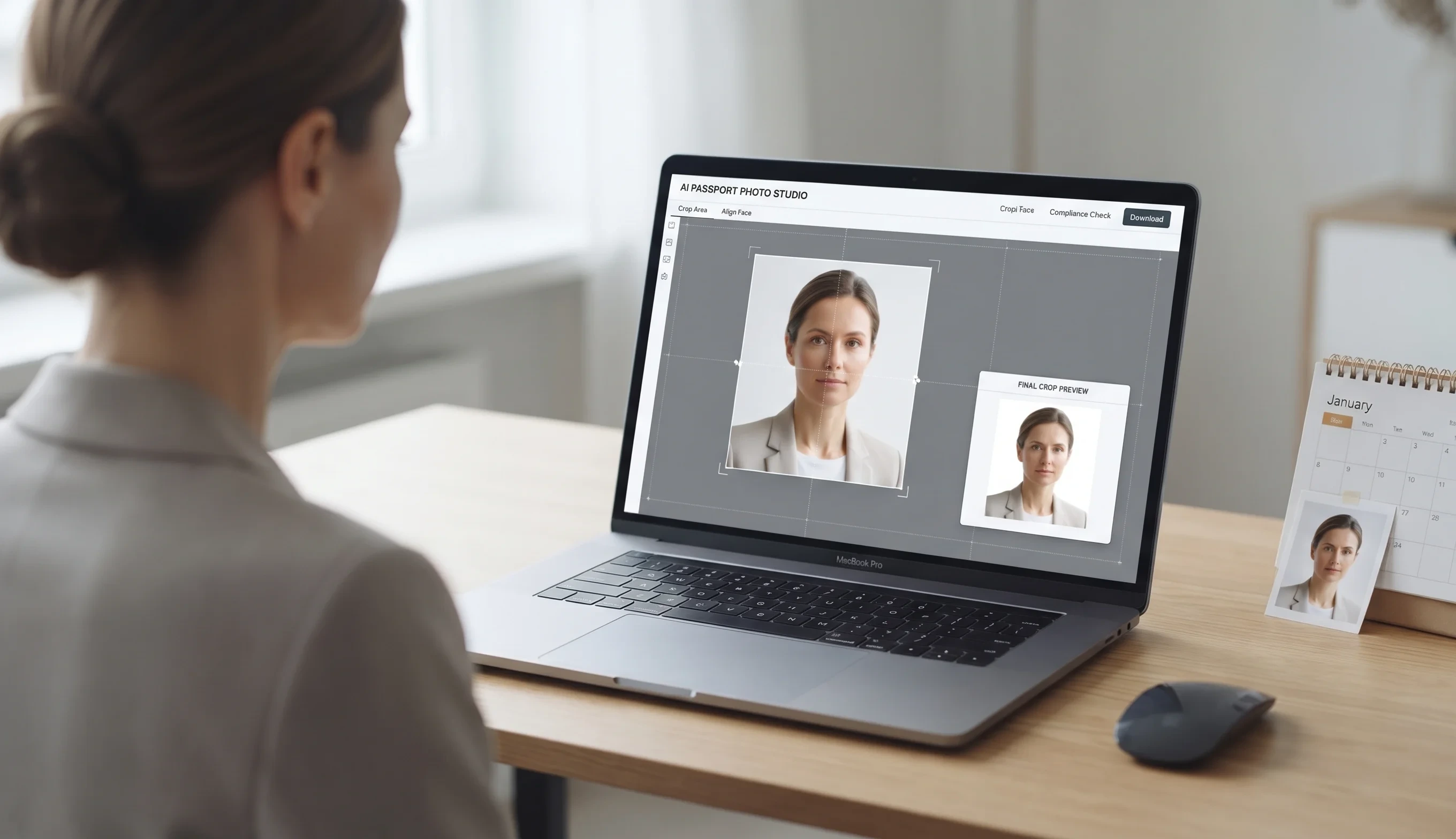 Crop to the exact passport or visa size in the browser, with nothing uploaded.
Step 3: Print or upload it
Many applications are now online and simply want the digital file, in which case you are finished. If you need prints, you can place several copies on a single 4 x 6 inch photo and print it at any photo kiosk or at home, for a fraction of the cost of a studio sitting.
Common mistakes that get photos rejected
- Shadows on the wall behind you, or across one side of your face.
- A background that is not plain, or is too dark.
- Smiling broadly, or squinting and half-closed eyes.
- The wrong size, or a head that is too big or too small in the frame.
- An old photo that no longer resembles you.
- Glare on glasses, which is why most authorities now recommend removing them.
No plain wall? Replace the background
If you cannot find a plain, light wall, you do not have to give up. Take the photo against whatever you have, then use our background remover to cut yourself out and drop a clean white background behind you before you crop to size. It gives you the plain backdrop the rules ask for, without rearranging your house.
Do it without uploading your photo
Your passport photo is a picture of your face attached to an official document, so privacy matters. Our passport photo maker runs entirely in your browser, which means the image never leaves your device. There is no account, no watermark and no upload.
The short version
Plain wall, soft daylight, neutral face, phone at eye level, then crop to your country's size and you have a valid passport photo for free. Check your government's official size requirement before you submit, and you will not have to visit a shop again.